
Introduction
Excel has been the backbone of accounting workflows for decades. It’s flexible, familiar, and widely used across UK accounting firms. But here’s the uncomfortable truth:
Excel is also one of the biggest hidden bottlenecks in modern accounting workflows.
Not because it’s a bad tool but because it’s being used for things it was never designed for.
The Perception vs Reality of Excel in Accounting
Most firms see Excel as:
- Reliable
- Cost-effective
- Easy to use
But in practice, it often leads to:
- Inefficiencies
- Errors
- Lack of scalability
The gap between perception and reality is where the real cost lies.
The Hidden Costs of Excel Most Firms Overlook

- Manual Errors That Go Unnoticed
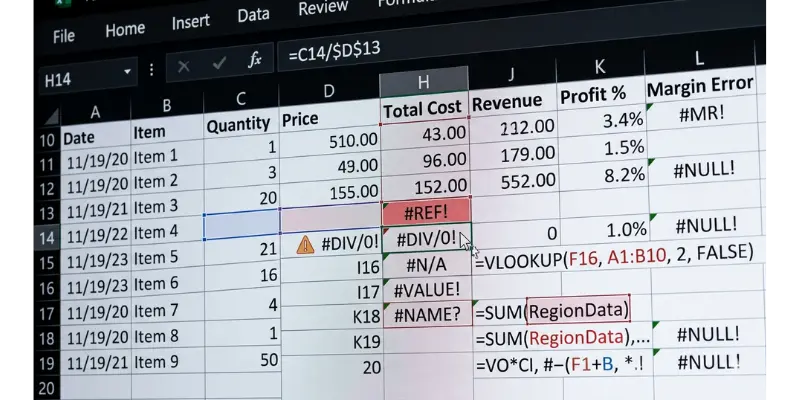
Spreadsheets depend heavily on manual input. Even small mistakes can lead to:
- Incorrect calculations
- Broken formulas
- Inconsistent data
The biggest risk?
These errors are often hard to detect, especially during audits.
- Time Lost in Repetitive Tasks
Think about how much time is spent on:
- Copy-pasting data
- Updating multiple sheets
- Fixing formatting issues
Individually, these tasks seem minor. But across multiple clients and audits, they create:
Hundreds of lost hours every year
Much of that is exporting ledgers to Excel just to review them. Ledger analysis inside the working papers removes that step.
- Lack of Real-Time Collaboration
Excel was not built for collaborative workflows at scale. Common issues include:
- Multiple versions of the same file
- Conflicting changes
- Difficulty tracking updates
This slows down teams and creates confusion.
- No Standardisation Across Teams
Each team member may structure spreadsheets differently:
- Different formats
- Different formulas
- Different approaches
This leads to:
- Inconsistent and inefficient working papers
- Longer review times
- Increased training effort
- Inefficient Audit Trails
Audit documentation requires clear traceability. But with spreadsheets:
- Tracking changes is difficult
- Version history is limited
- Review notes are scattered
This increases compliance risk and slows down reviews leading to audit inefficiencies.
- Scalability Limitations
Excel works well until it doesn’t. As firms grow:
- More clients
- More data
- More complexity
Spreadsheets become:
- Harder to manage
- Slower to navigate
- Prone to breaking
What worked for a small firm doesn’t scale effectively.
Our comparison of cloud working papers software vs spreadsheets sets the two side by side.
Why Firms Continue to Rely on Excel
Despite these issues, many firms still depend heavily on spreadsheets. Why?
- Familiarity (“we’ve always used it”)
- Low upfront cost
- Resistance to change
- Lack of awareness of alternatives
In many cases, the cost of switching is overestimated while the cost of staying the same is underestimated
Switching tools on its own is not the answer either, as we explain in why most accounting software fails to improve efficiency.
The Real Cost: It’s Not Just Time

The impact of Excel goes beyond inefficiency.
🔻 Reduced Profitability
More hours spent = lower margins per engagement
🔻 Increased Risk
Errors and inconsistencies can lead to compliance issues
🔻 Slower Growth
Firms struggle to handle more clients efficiently
🔻 Team Frustration
Repetitive manual work reduces job satisfaction
A Shift Already Happening in UK Firms
Forward-thinking accounting firms are starting to rethink their reliance on Excel.
They are:
- Reducing spreadsheet dependency
- Introducing structured workflows
- Exploring purpose-built systems
This doesn’t mean Excel disappears completely but its role is changing. The Question Firms Need to Ask
Instead of asking: “How can we make Excel work better?”
Firms should be asking: “Is Excel the right tool for this workflow at all?”
Conclusion
Excel is not the problem. The problem is using Excel beyond its limits. For modern accounting firms dealing with increasing complexity, tighter deadlines, and higher expectations: Spreadsheets are no longer enough. The firms that recognise this early will not only improve efficiency but also position themselves for sustainable growth.
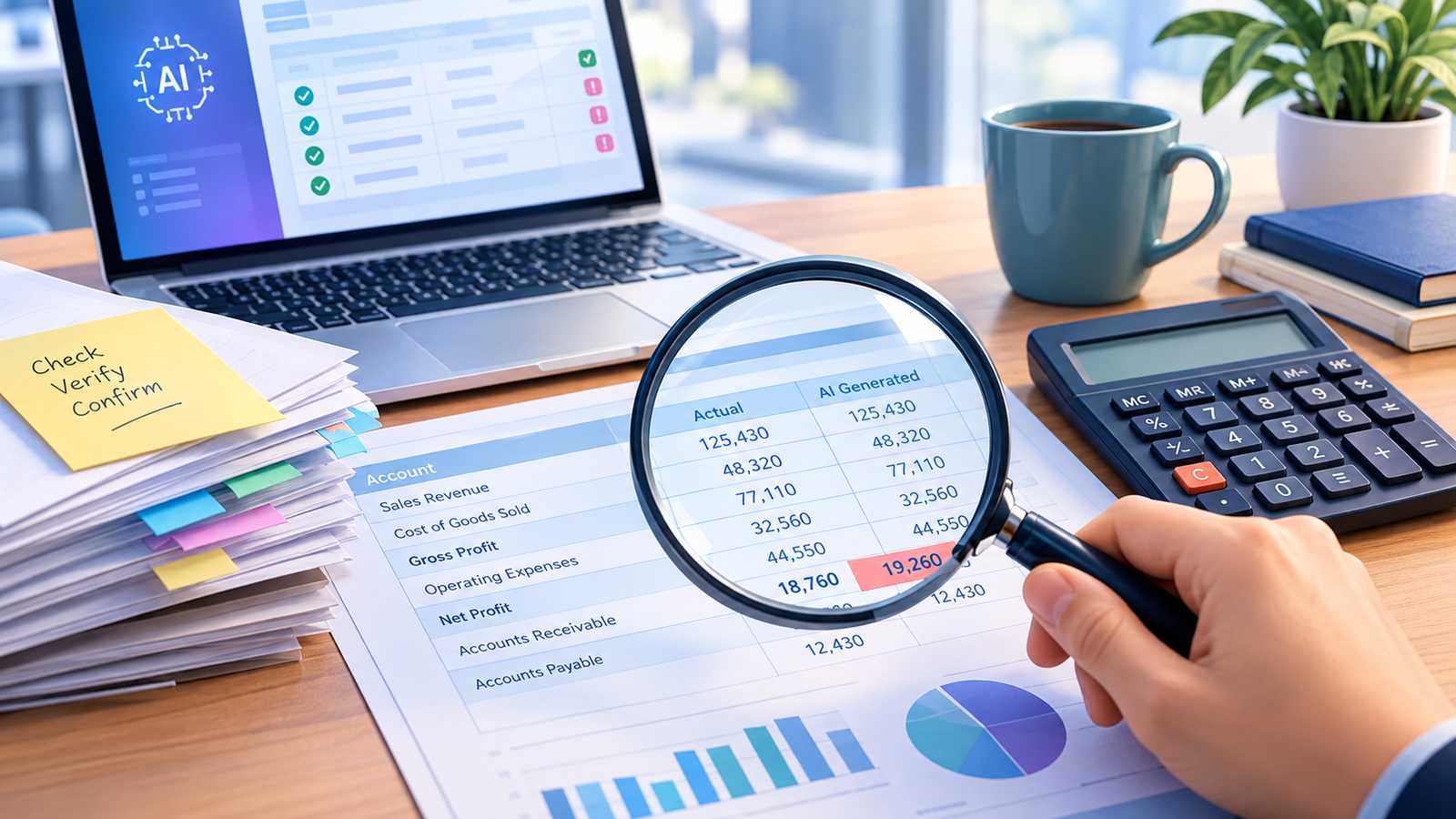
The next step many practices take is AI working papers: moving the file out of Excel into a system where an AI accountant checks that schedules tie and flags what a reviewer would query. See how AI streamlines accounting workflows beyond Excel.
About the author
Written by the Papercare Team. Papercare is the AI accountant for UK accountancy practices: AI accounting software that imports the client’s data, builds AI working papers that tie, and raises review points before the partner opens the file. It was built inside a live UK practice by founder Shrineel Patel FCCA. More about Papercare