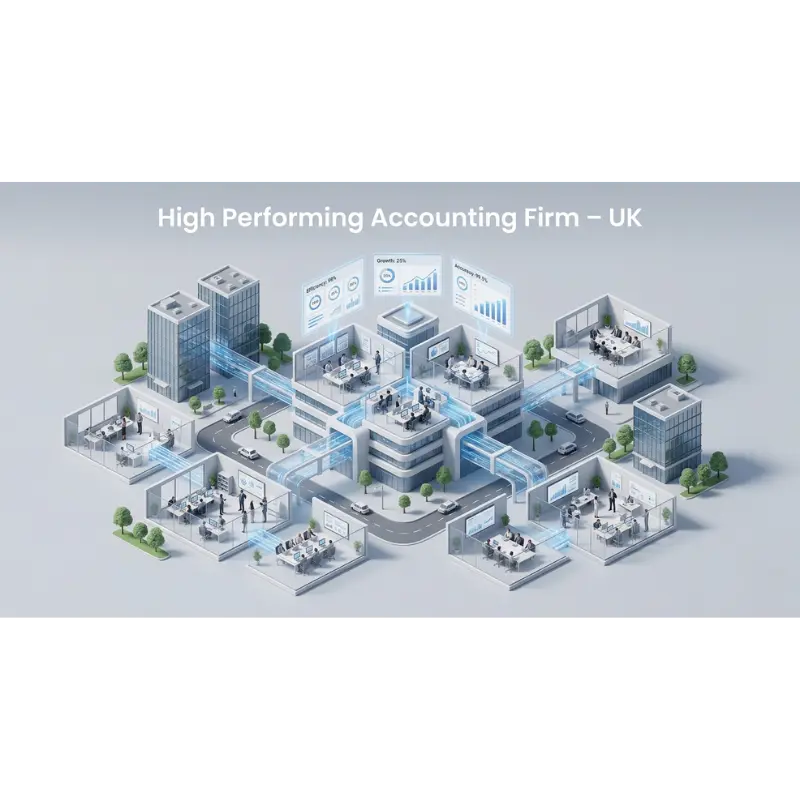


Introduction: The end of Excel dependency
Microsoft Excel has been at the heart of accounting for over three decades. From client ledgers to monthly reconciliations, it has earned a reputation as the accountant’s most trusted companion. But what once represented innovation is now becoming a limitation.
In today’s fast-paced accounting landscape shaped by Making Tax Digital, cloud platforms, and client expectations for real-time insights, Excel’s static nature is holding firms back. Accountants are spending more time fixing formulas than interpreting data, and more effort consolidating sheets than generating insights.
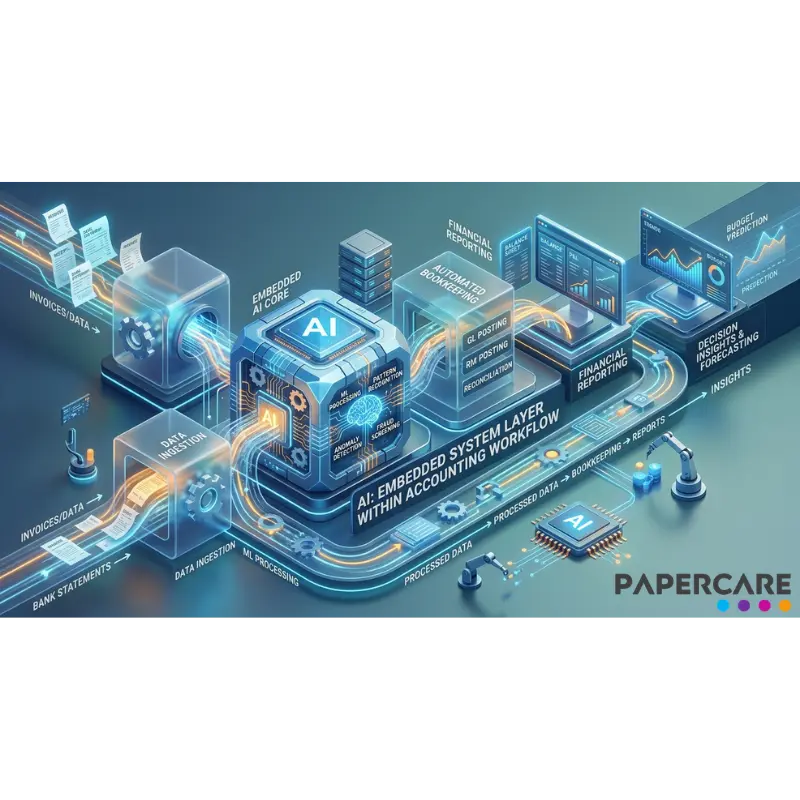
This is where Artificial Intelligence (AI) steps in by transforming how accountants handle data, workflows, and collaboration. With platforms such as Papercare, AI replaces repetitive manual work with smart automation, turning accounting from a reactive process into a proactive one. Read our step-by-step guide to migrating from spreadsheets to a cloud working papers system.
1. Why Excel Can’t Keep Up with Modern Accounting
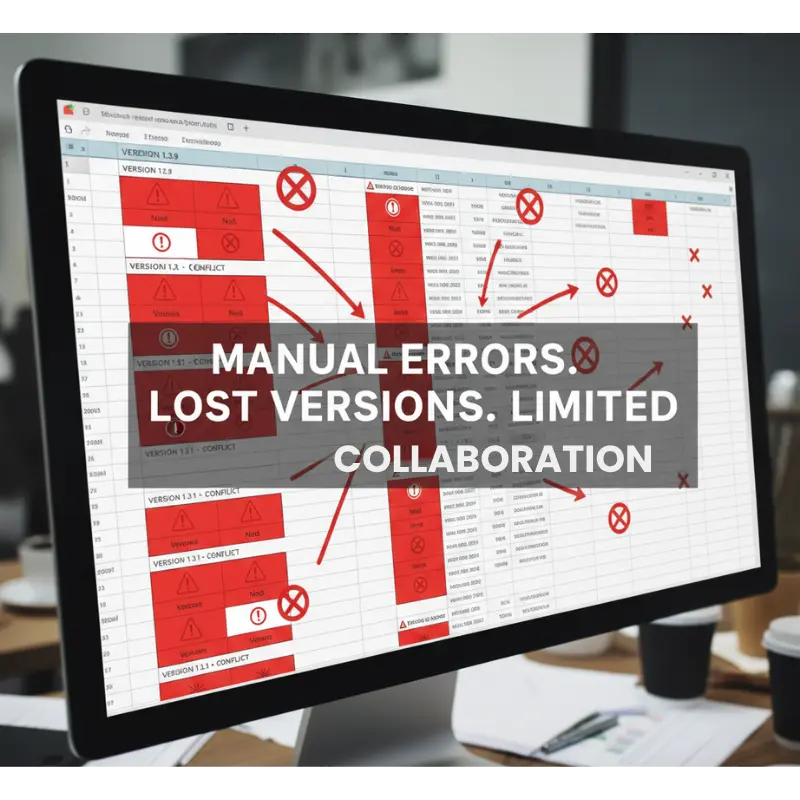
Excel is powerful, but it was never designed to handle today’s interconnected accounting demands. As data volumes increase and compliance obligations grow, relying solely on Excel introduces risk, inefficiency, and inconsistency.
Common challenges include:
- Human error – Formula mistakes and incorrect links can quietly distort financial results.
- Version chaos – Different team members editing local copies lead to uncertainty about which file is the “truth.”
- Limited collaboration – Excel isn’t built for simultaneous, multi-user work; sharing often requires email attachments or shared drives.
- Security gaps – Local files are vulnerable to loss or unauthorised access.
- Lack of scalability – Handling multiple clients, datasets, and year-end roll-forwards becomes cumbersome.
A 2023 ICAEW analysis highlighted that nearly 90% of real-world spreadsheets contain at least one significant error, according to the ICAEW’s “How to Review a Spreadsheet” guide. For firms under tight regulatory deadlines, this is a hidden liability waiting to surface.
In short, Excel may still be useful, but it cannot serve as the backbone of a modern accounting practice. Read real-world spreadsheet problems and their impact on workflows.
2. The Rise of Intelligent Automation in Accounting
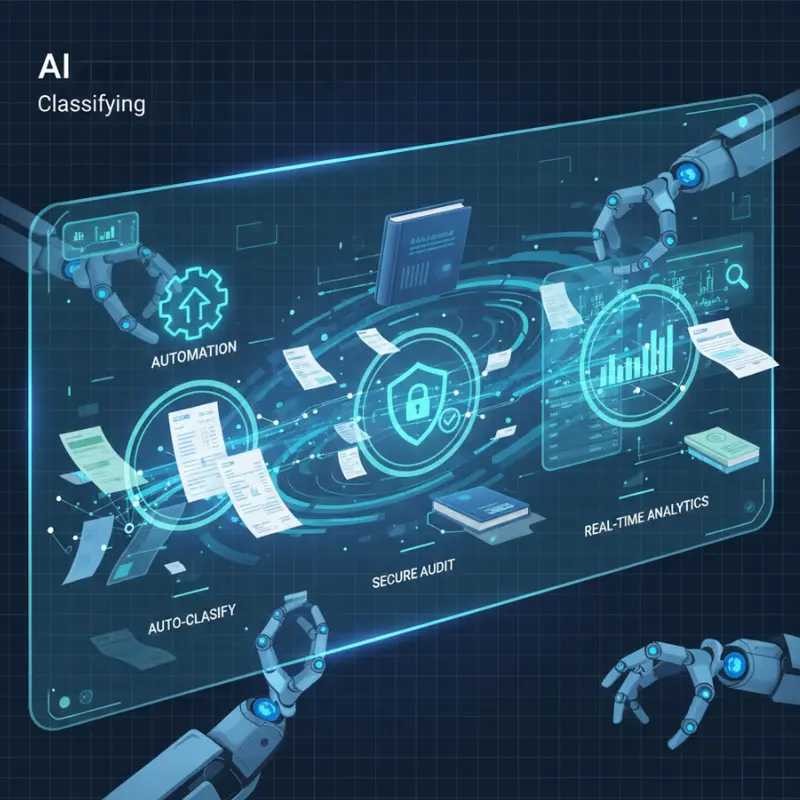
Artificial Intelligence isn’t replacing accountants, it is amplifying their capabilities. By handling repetitive data-driven tasks, AI allows professionals to focus on interpretation, communication, and decision-making.
Platforms like Papercare integrate AI directly into everyday accounting processes, streamlining everything from document management to compliance validation. See how AI is already transforming working papers for UK accountants.
AI automates what used to consume hours:
- Data extraction and structuring: AI reads data from uploaded files – PDFs, CSVs and automatically organises it into the correct working-paper structure.
- Error detection and validation: Formulas, balances, and totals are verified automatically; inconsistencies are flagged in real-time.
- Context-aware responses: Accountants can ask Papercare’s AI questions about uploaded data and receive instant, contextual insights.
- Automated note generation: The AI drafts summaries or explanations for managers and partners, reducing review time.
Through these capabilities, manual work is replaced with intelligent automation that delivers both accuracy and time savings.
3. From Excel Formulas to AI Logic: A Smarter Way to Work
Traditional Excel workflows depend heavily on manual logic — formulas, references, and conditional formatting.
In contrast, AI operates on contextual logic. It understands relationships between datasets and can interpret data dynamically.
For example, where Excel requires a formula like =SUMIF(B:B, “Sales”, C:C), an AI system recognises “Sales” as a data category and aggregates figures automatically, even when data sources change.
This not only reduces formula maintenance but also eliminates the dependency on a few “Excel champions” within firms. Knowledge becomes shared and repeatable rather than locked in complex sheets.
AI also introduces adaptability when accounting standards evolve or new reporting requirements appear, systems like Papercare update automatically without needing manual template edits.
4. Integrating AI into Everyday Accounting Workflows
4.1 Document handling and classification
Instead of manually naming and sorting working papers, AI automatically tags, classifies, and groups them according to engagement type and purpose. A misplaced Excel file becomes a structured digital record.
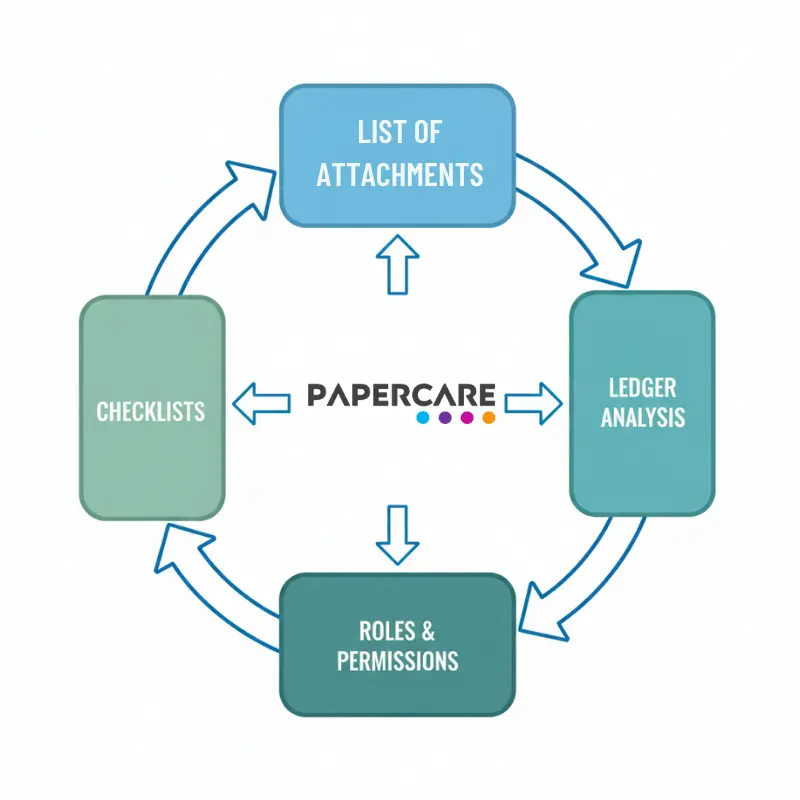
Using Papercare’s List of Attachments feature, AI automatically organises and links working paper files and documents which gives every document a secure place inside the engagement.
4.2 Real-time data insights
With cloud connectivity, Papercare’s AI can pull live data from uploaded statements and produce quick insights, performance indicators, and summaries in seconds.
Papercare’s Ledger Analysis module provides an interactive account filter and transaction viewer so you can isolate problem ledgers, reclassify misposted entries in bulk and apply an automated journal to correct the books, all inside the working papers environment instead of bouncing data back to excel or spreadsheets.
4.3 Collaboration and version control
Each team member can access the same document simultaneously. Changes are tracked automatically, creating a built-in trail of accountability. This replaces long email chains and version conflicts common in Excel workflows because Excel isn’t built for simultaneous, multi-user work, leading to version conflicts and lost data. Even Microsoft’s own Excel co-authoring best practices highlight these collaboration challenges.
Controlled access is handled through Papercare’s Roles and Permission feature, ensuring each team member uses and sees exactly what they need while version conflicts disappear.
4.4 Consistency across engagements
AI ensures that templates, checklists, and procedures are applied consistently, regardless of the engagement size. Every working paper follows the same logic, structure, and validation process.
Through these enhancements, accountants experience smoother operations and better communication across teams and clients.
Built-in Checklists standardise each engagement, letting reviewers trace completion in real time and maintain audit-ready quality.
5. Security, Accuracy, and Compliance - By Design
In an era of data breaches and regulatory pressure, security cannot be an afterthought. Excel offers limited protection; once a file is downloaded or emailed, control is lost.
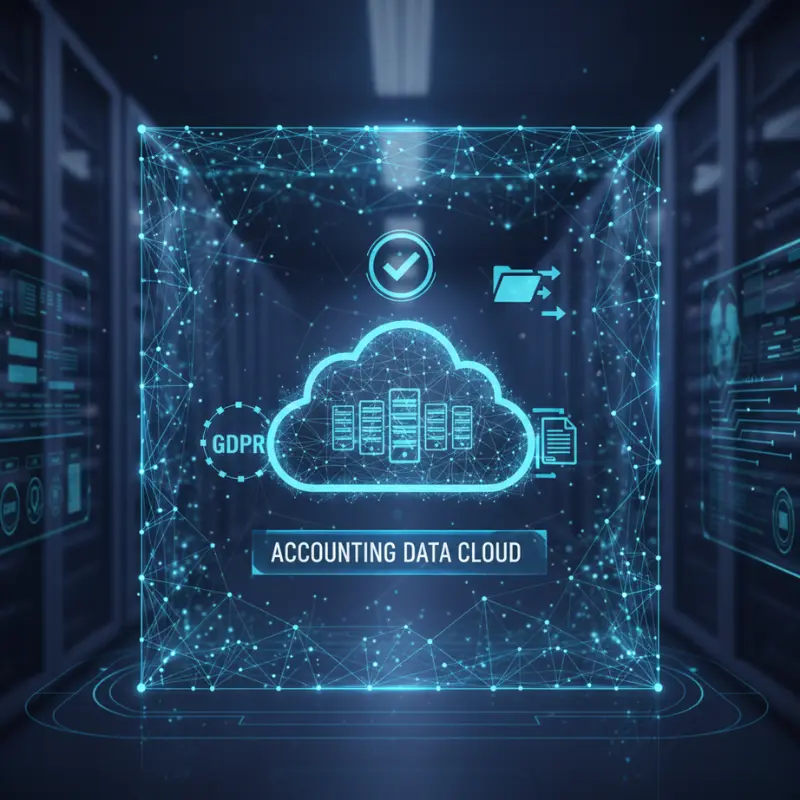
AI-driven working papers solve this by keeping data within secure, encrypted environments. Access permissions, version histories, and activity logs are built in and not added later. Compliance checks can be automated, ensuring that sensitive financial information remains protected at all stages.
This not only strengthens data governance but also supports GDPR compliance, as outlined in the UK Information Commissioner’s Office (ICO) GDPR guidance which is increasingly important for UK accounting firms handling client data.
6. From Manual Effort to Meaningful Insight
Perhaps the greatest advantage of AI is the way it transforms effort into insight. When data entry, validation, and formatting are handled automatically, accountants can finally focus on analysis and advisory tasks, the areas that truly add value.
Papercare’s AI doesn’t just process numbers; it contextualises them. It can summarise trends, flag unusual movements, and even draft explanatory notes to support management discussions or compliance submissions.
In effect, what once required hours of Excel adjustments now happens automatically in seconds.
7. Building a Data-driven Accounting Culture
Moving beyond Excel is not only a technological change, it is a cultural one. When teams embrace AI, they shift from “inputting” to “interpreting.” Decision-making becomes data-driven rather than assumption-based.
Firms adopting Papercare report smoother onboarding for new staff, fewer review cycles, and clearer visibility into work progress. Over time, this builds a culture of accountability, consistency, and innovation while freeing up time for higher-value client interaction.
8. The Next Phase of Digital Transformation for Accountants
The future of accounting will not be defined by spreadsheets but by intelligence. As technology continues to evolve, firms that combine AI, automation, and cloud platforms will lead the profession.
Papercare is not a replacement for accountants, it is a partner that enhances their capabilities.
By automating the repetitive and simplifying the complex, it allows professionals to focus on strategy, compliance interpretation, and client relationships.
For accountants still tied to Excel, now is the time to take the next step – from static spreadsheets to intelligent, AI-powered workflows.
FAQs
Q1: Why should accounting firms move beyond Excel?
Excel is limited in collaboration, accuracy, and scalability. AI systems like Papercare automate repetitive work, reduce risk, and centralise data for improved consistency.
Q2: How does AI actually fit into accounting workflows?
AI automates key steps such as data entry, validation, document classification, and summary preparation — saving time and enhancing reliability.
Q3: Can small accounting practices also benefit from AI?
Yes. Papercare’s scalable design means even small firms can automate manual work without large infrastructure costs.
Q4: Does AI replace Excel entirely?
No. Excel remains useful for ad-hoc analysis, but AI platforms manage the structured, collaborative, and compliance-related aspects of accounting more efficiently.
Q5: How secure is AI-driven accounting software?
Cloud AI platforms encrypt data, track every change, and provide role-based access, offering far stronger security than locally stored Excel files.